INDUSTRIAL AUTOMATION
Industrial Automation Cables & Cable Assemblies
Industrial automation equipment depends on reliable control, signal, motion and network connections between PLCs, sensors, actuators, drives, distributed I/O and moving machine sections. KABASI supplies selected industrial cables and manufactures drawing-based cable assemblies and wire harnesses for OEM automation equipment.
Start with the connection area and electrical function. Then confirm the communication protocol, movement, installation environment and required finished connection.
Explore Automation Connections Review Delivery Options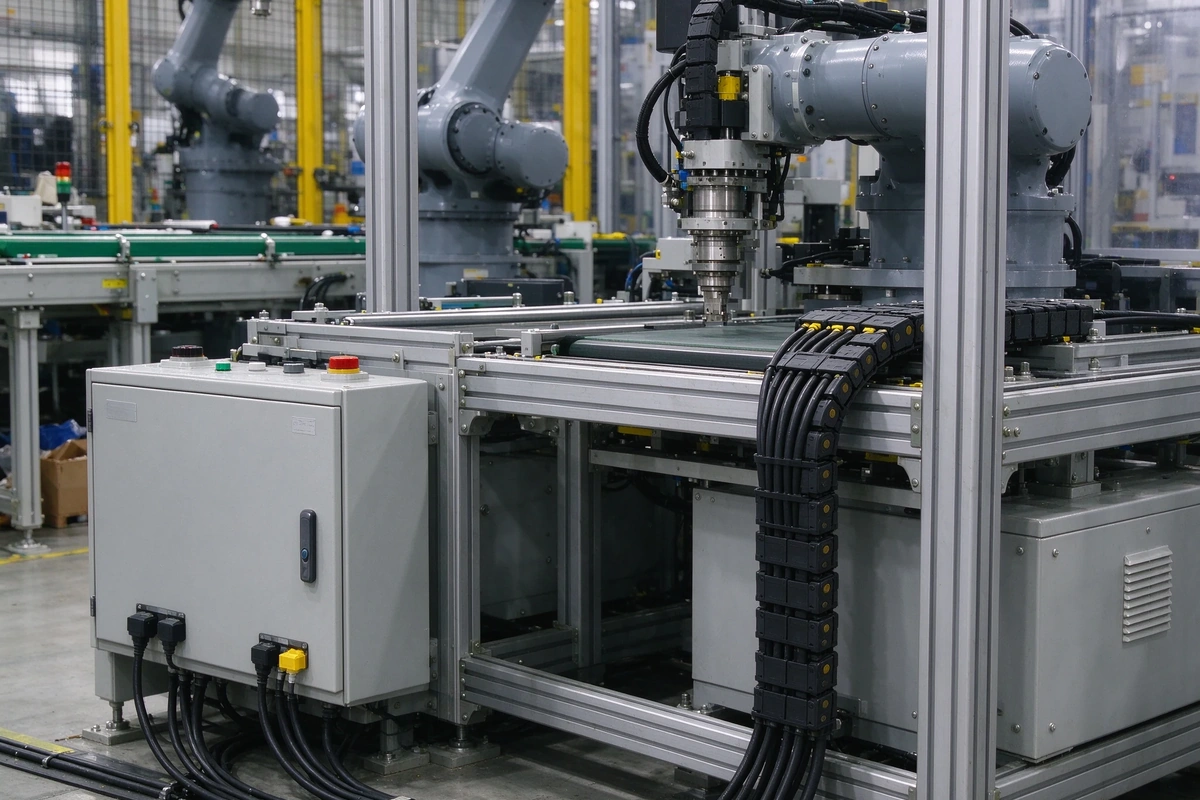
Connection Architecture in Automation Equipment
One automation machine may require several cable categories because control circuits, feedback signals, moving axes and industrial networks have different electrical and mechanical requirements.
01. Control Cabinet and Machine Control
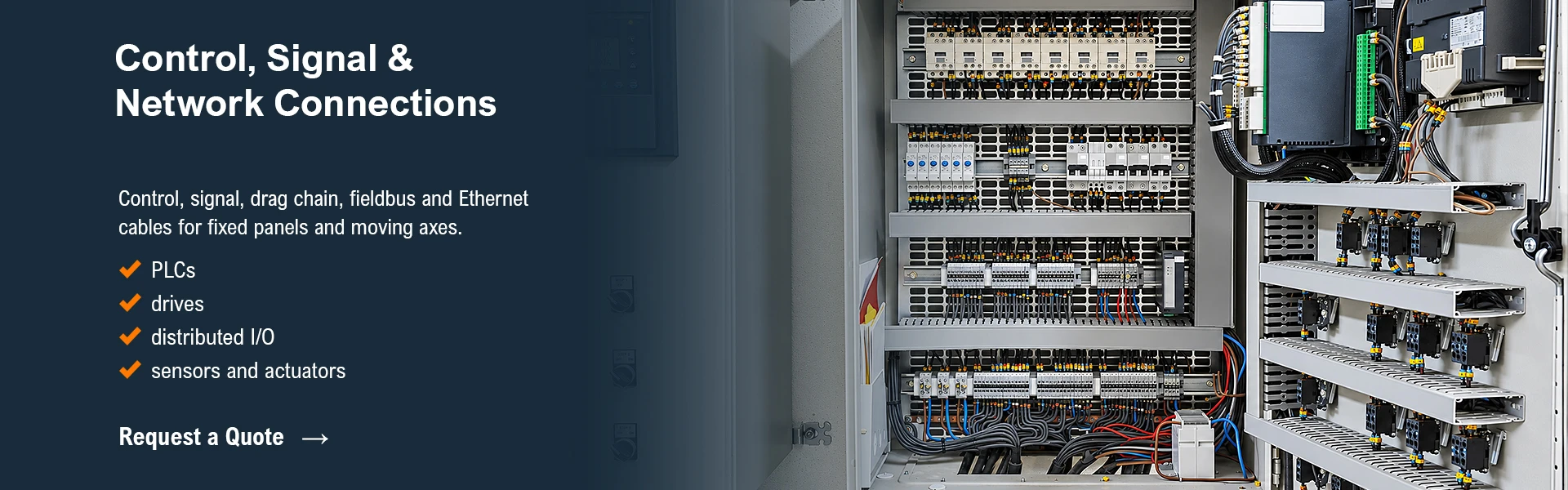
Control circuits, auxiliary power, terminals and machine interconnection.
Control Cables02. Sensors, Instrumentation and Feedback
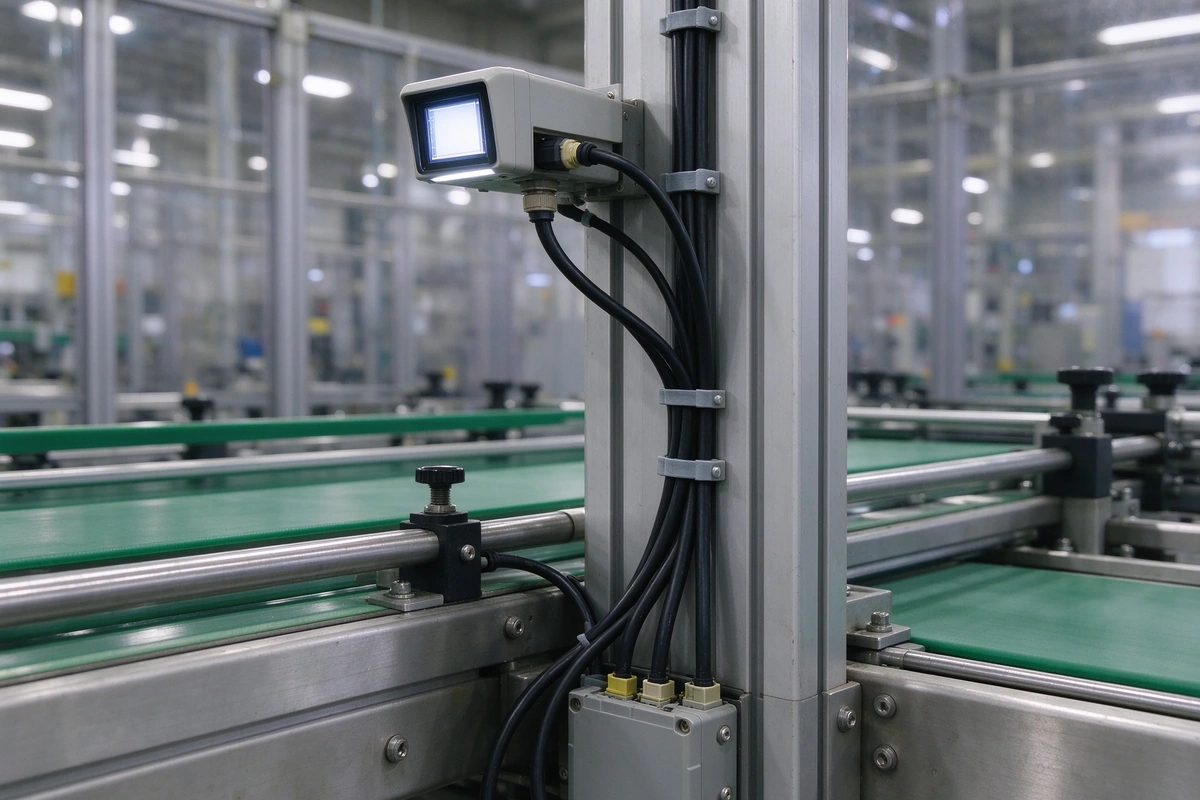
Low-voltage signals, measurement circuits and shielded data connections.
Signal Cables03. Moving Axes and Cable Carriers
Connections exposed to repeated bending, travel and moving-machine routing.
Drag Chain Cables04. PLCs, Distributed I/O and Field Devices
Protocol-specific communication between controllers, I/O modules, sensors and actuators.
Fieldbus Cables05. Machine and Cell Networks
Ethernet-based links between PLCs, drives, HMIs, switches and machine sections.
Industrial Ethernet Cables06. Internal Equipment Wiring
Single-core, multi-conductor and multi-branch wiring inside panels and equipment.
UL Style CablesEuropean Harmonized CablesCustom Wire HarnessSelect Automation Cables by Connection Task
Match the cable category to the function and movement of the connection. The product examples below are limited to KABASI's current industrial cable range.
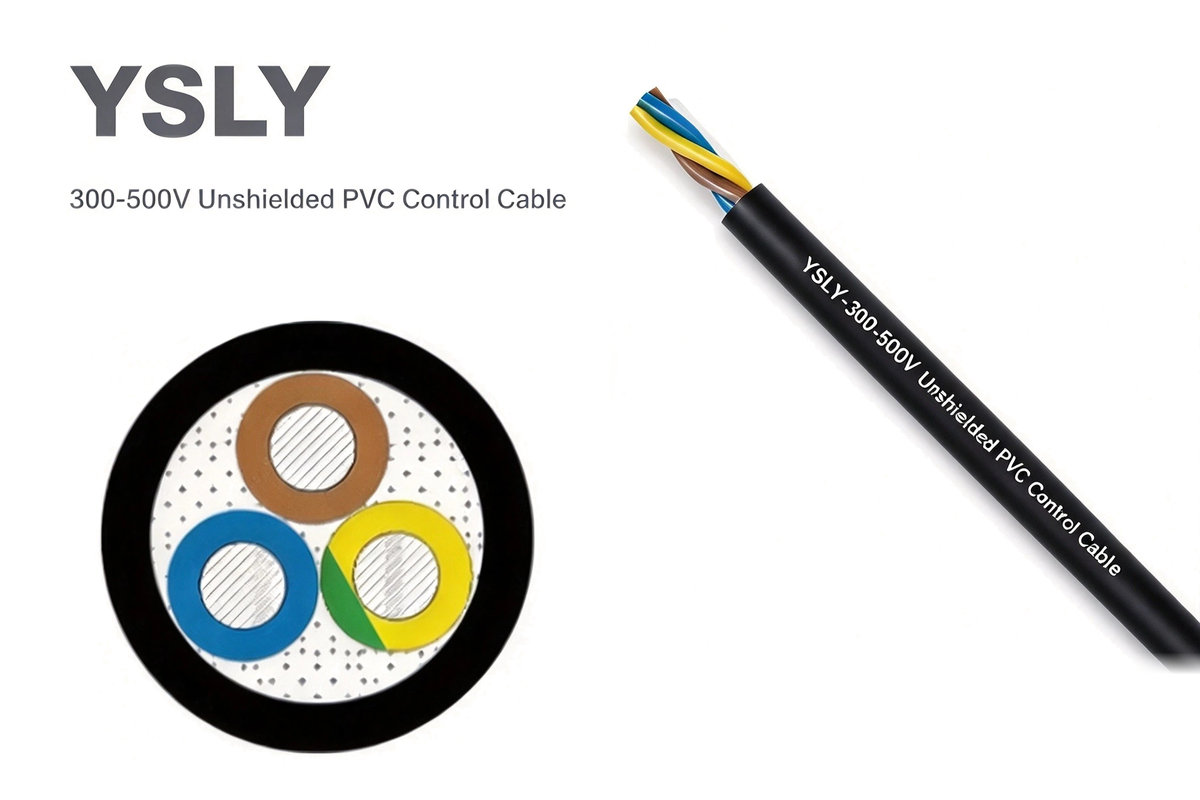
Machine Control and Panel Wiring
Typical Connections
Control circuits · Auxiliary systems · Terminals · Machine interconnection
Key Selection Points
Shielding · Conductor count · Voltage · Fixed or flexible installation
Current Product Examples
YSLY - 300/500 V Unshielded PVC Control Cable
YSLCY - 300/500 V Shielded PVC Control Cable
YSLYCY - 300/500 V Shielded Double-Sheath Control Cable
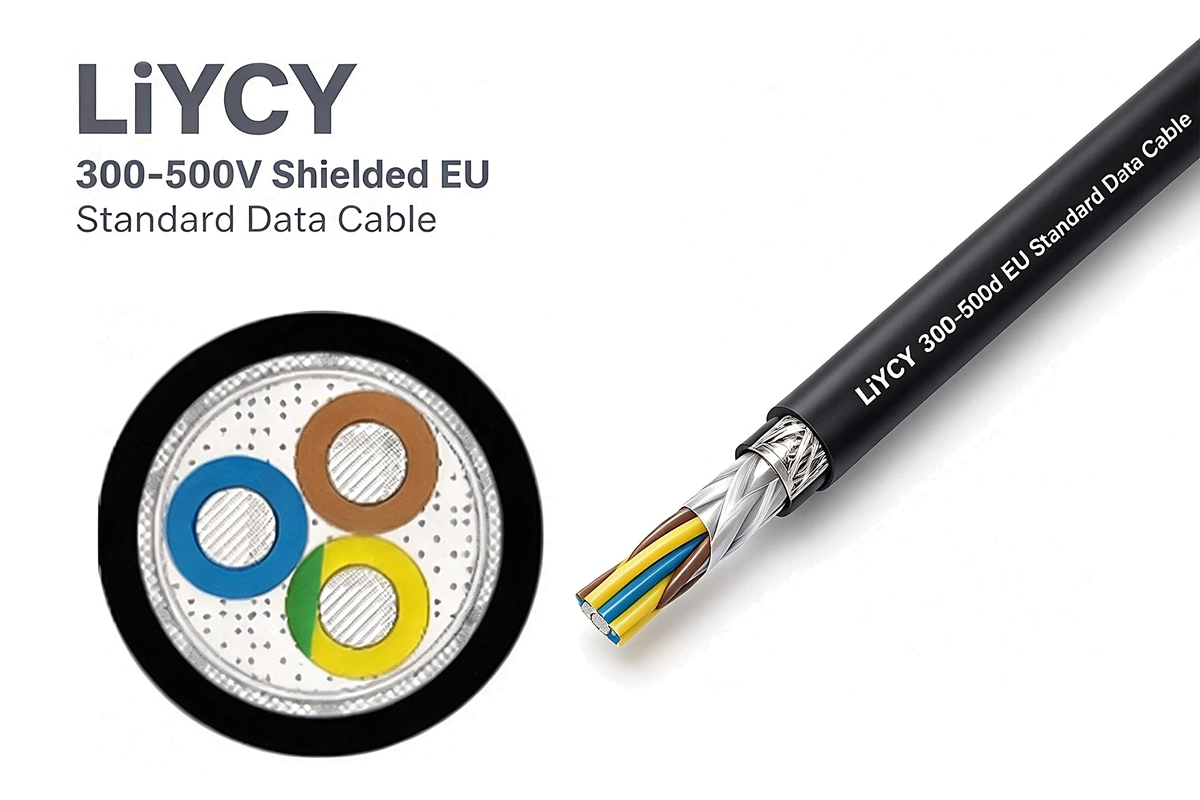
Sensor, Signal and Feedback Connections
Typical Connections
Sensors · Instrumentation · Measurement circuits · Feedback devices
Key Selection Points
Pairing · Shielding · Conductor count · Interference control
Current Product Examples
LiYCY - 300/500 V Shielded EU Standard Data Cable
LiYY / LiYY-TP - 300 V Unshielded EU Standard Data Cable
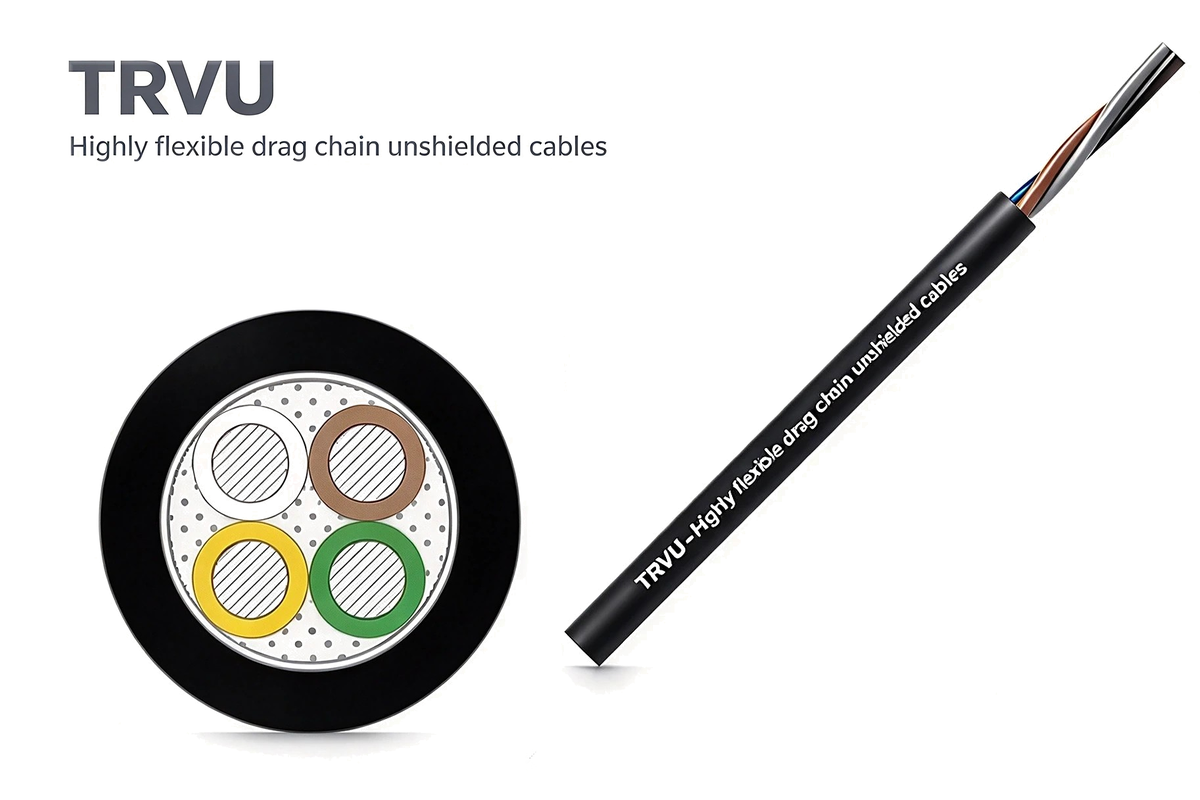
Repeated Motion and Drag Chains
Typical Connections
Moving axes · Cable carriers · Repeated machine travel · Mobile sections
Key Selection Points
Motion type · Bend radius · Travel · Acceleration · Jacket environment
Current Product Examples
TRVV Moderate-Flex Drag Chain Cable
TRVU Highly-Flex Drag Chain Cable
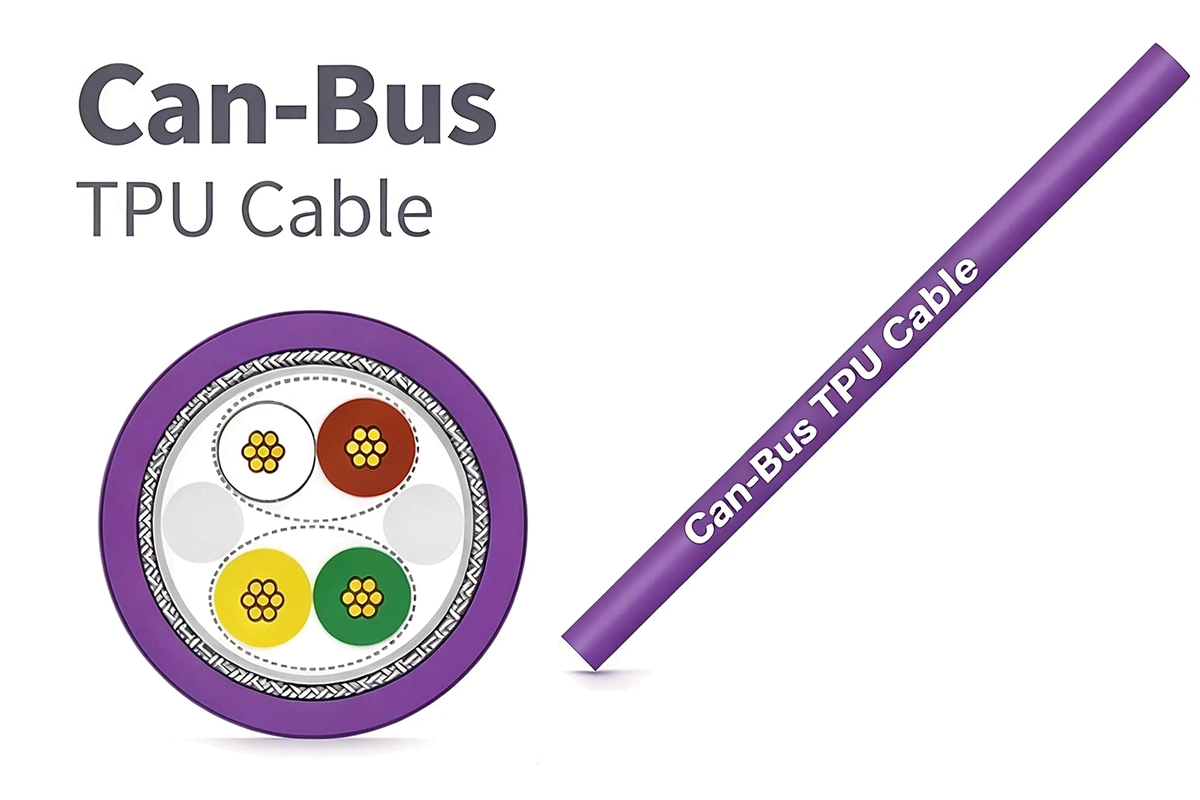
Field-Level Industrial Communication
Typical Connections
PLCs · Distributed I/O · Sensors · Actuators · Field devices
Key Selection Points
Protocol · Impedance · Shielding · Topology · Connector interface
Current Product Range
CAN Bus · CC-Link · DeviceNet · PROFIBUS · RS485
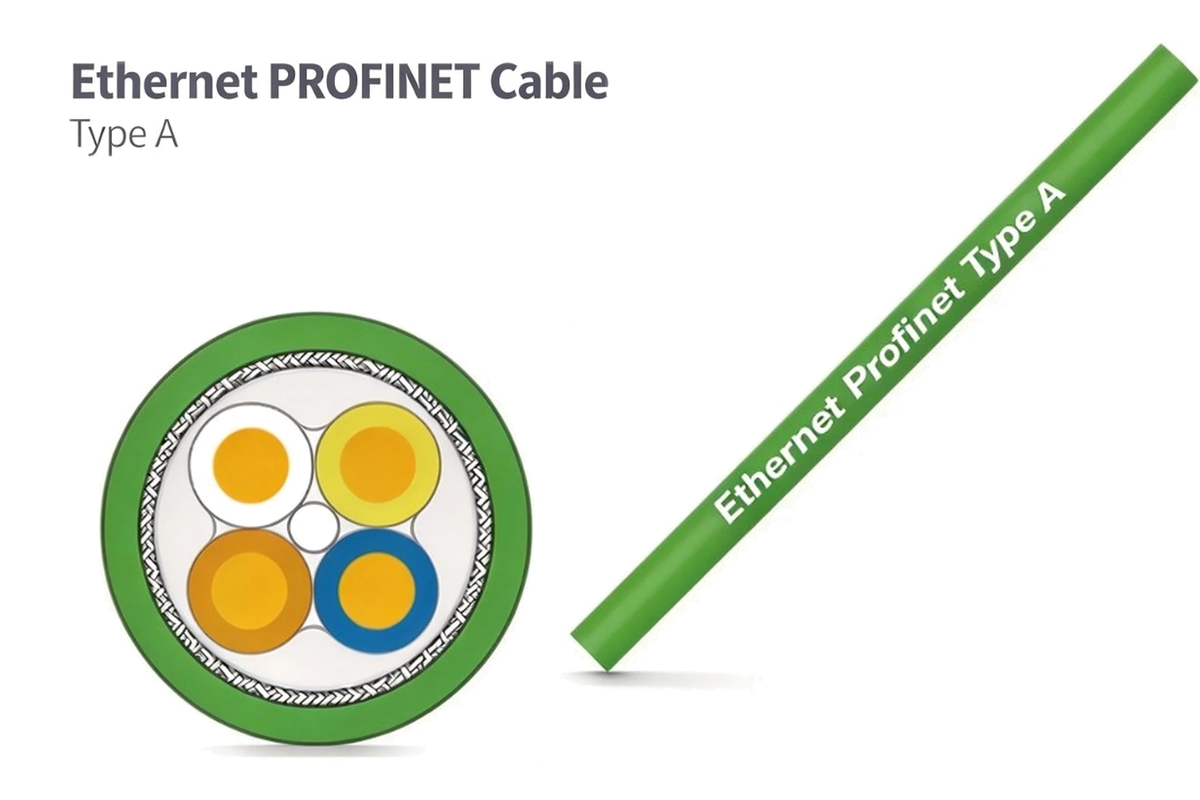
Industrial Ethernet Networks
Typical Connections
PLCs · Drives · HMIs · Industrial switches · Networked machine sections
Key Selection Points
Protocol · Category · Shielding · Installation · Motion requirement
Current Product Range
PROFINET Type A, B, C and R · EtherCAT
Internal Wiring for Automation Equipment
Control panels and automation equipment may require single-core hook-up wire, multi-conductor cable or flexible cord identified by a UL Style number or European harmonized designation. Confirm the exact construction from the drawing, voltage, temperature, conductor, insulation, sheath and documentation requirements.
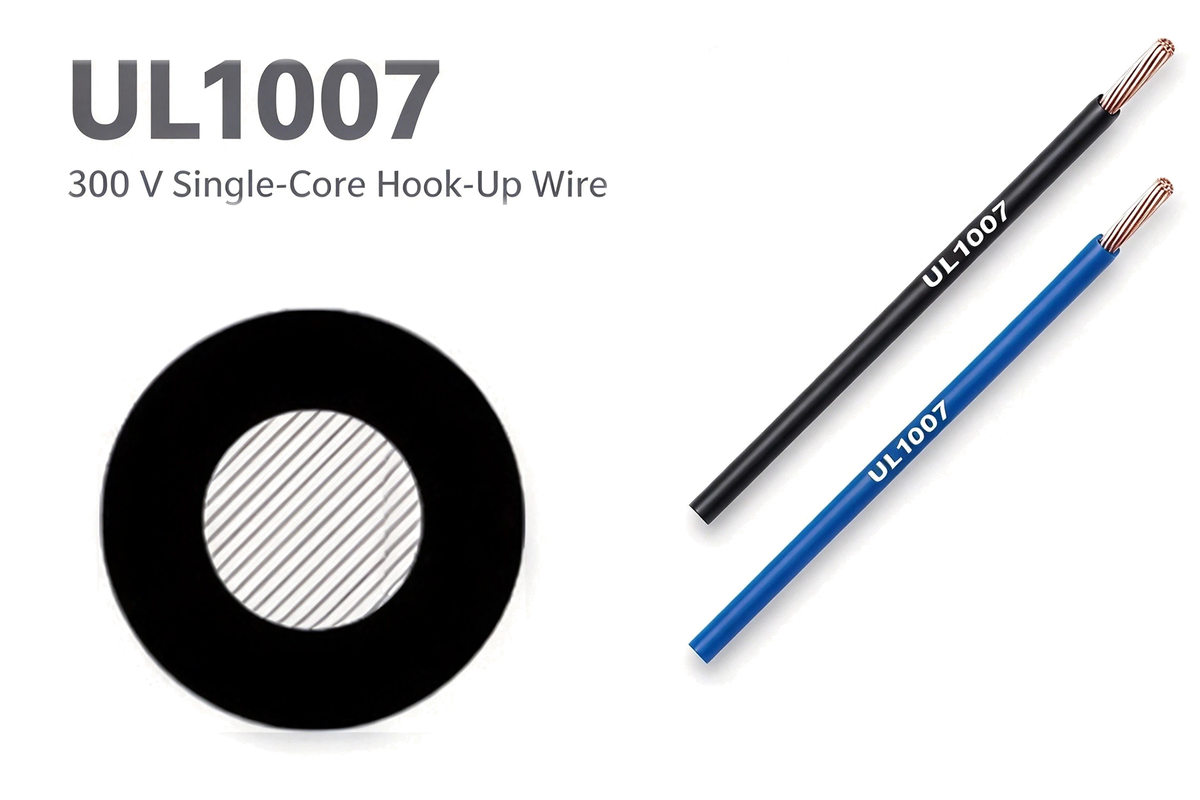
UL Style Cables
Review available single-core and multi-conductor constructions by the required AWM Style number. Recognition must be verified for the exact manufacturer and cable supplied.
UL Style Cables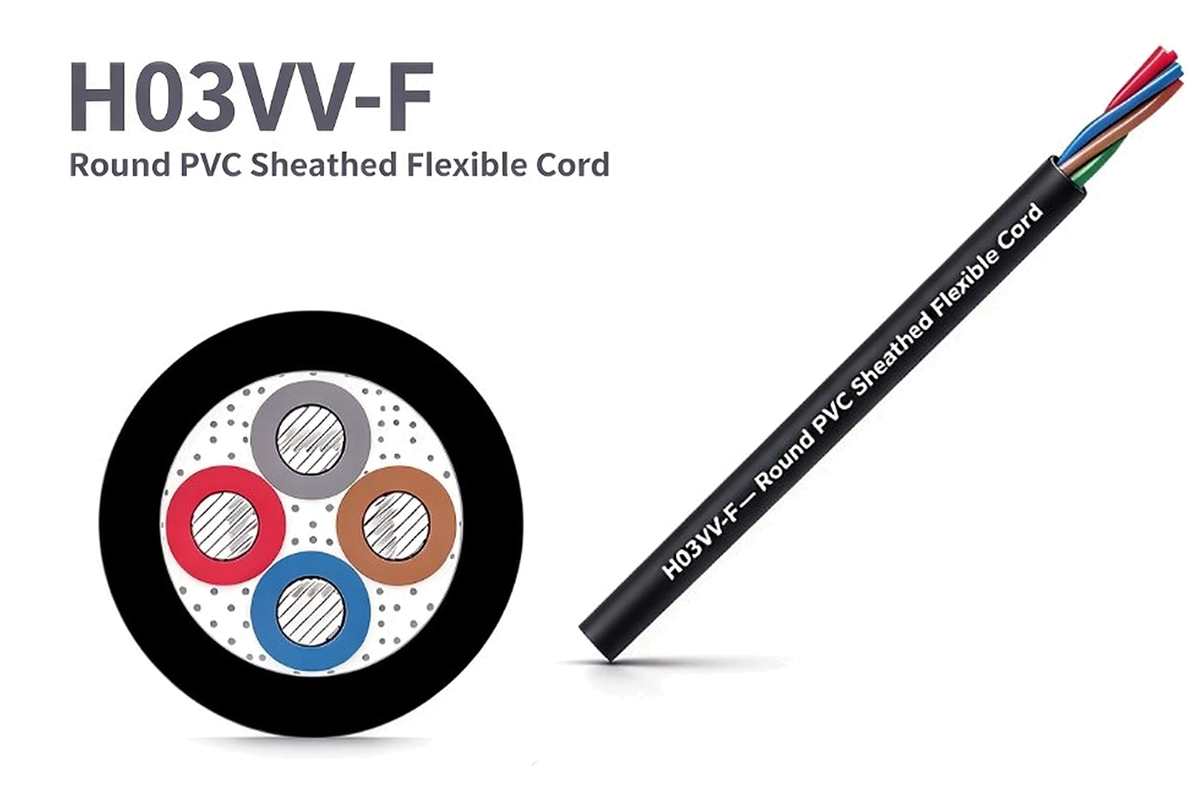
European Harmonized Cables
Review available H03, H05 and H07 single-core wires and flexible cords. A harmonized designation identifies a cable type. Verify CE marking separately where applicable.
European Harmonized CablesFrom Cable Supply to Finished Automation Connections
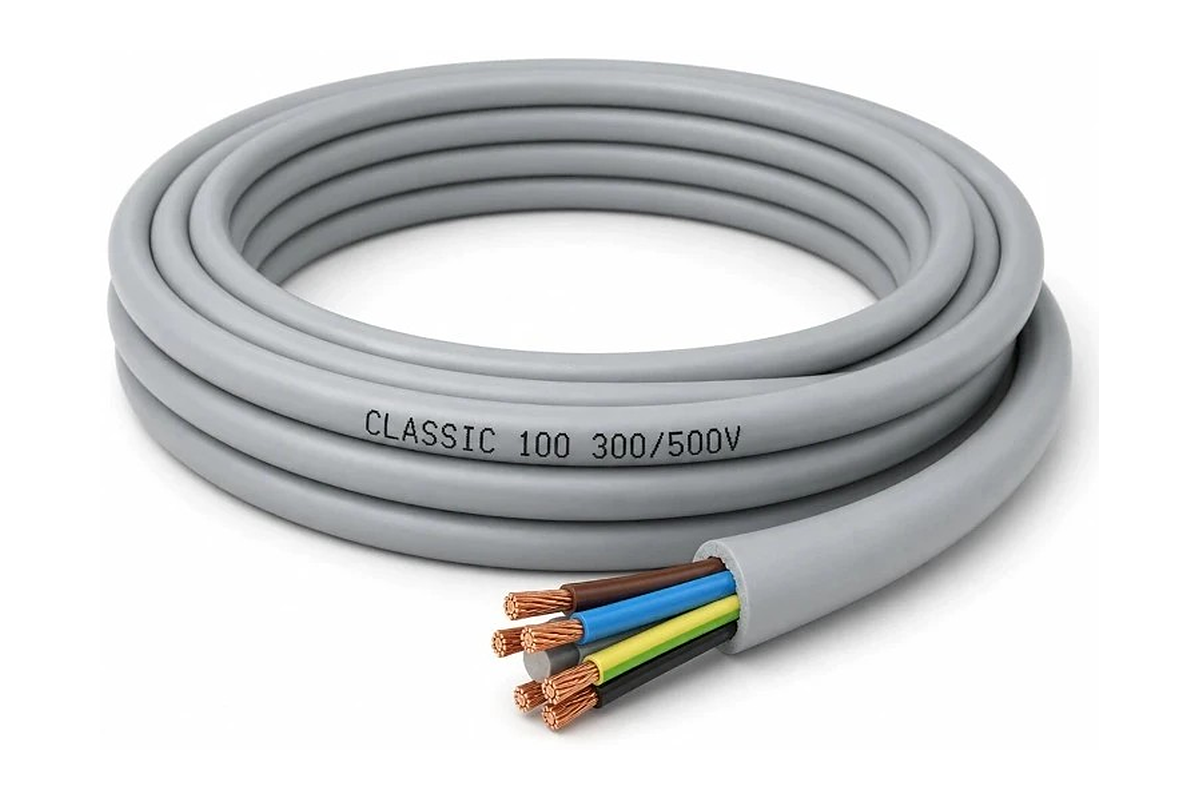
Industrial Cable Supply
For customers that perform cutting, termination and installation in-house.
Browse Industrial Cables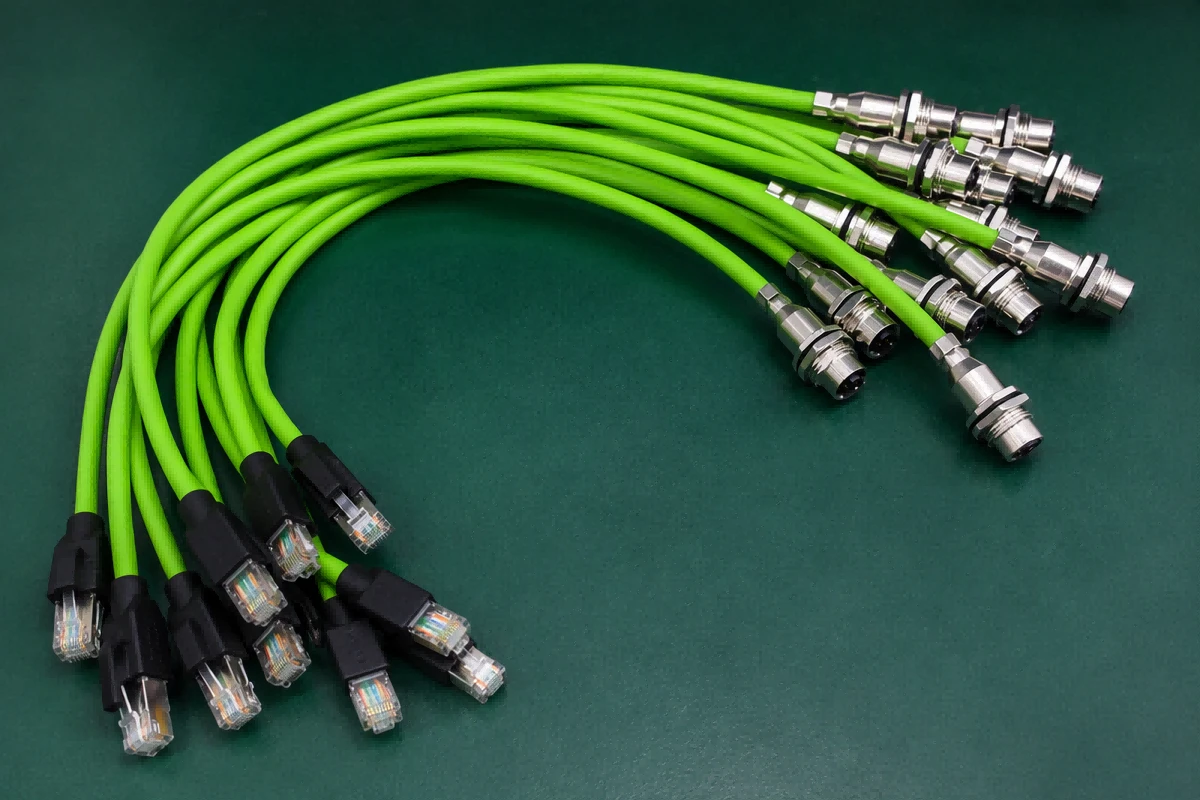
Point-to-Point Cable Assembly
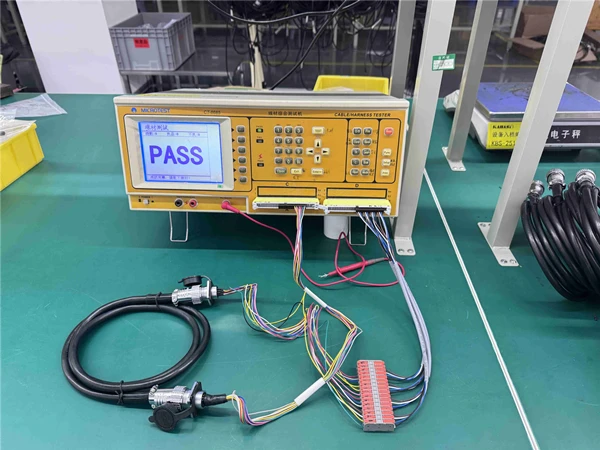
For one defined connection between two endpoints, with a selected base cable, finished length, pinout and end terminations.
Automation Examples
PLC-to-device connections · Sensor leads · Drive-to-motor connections · Network patch assemblies
Multi-Branch Wire Harness
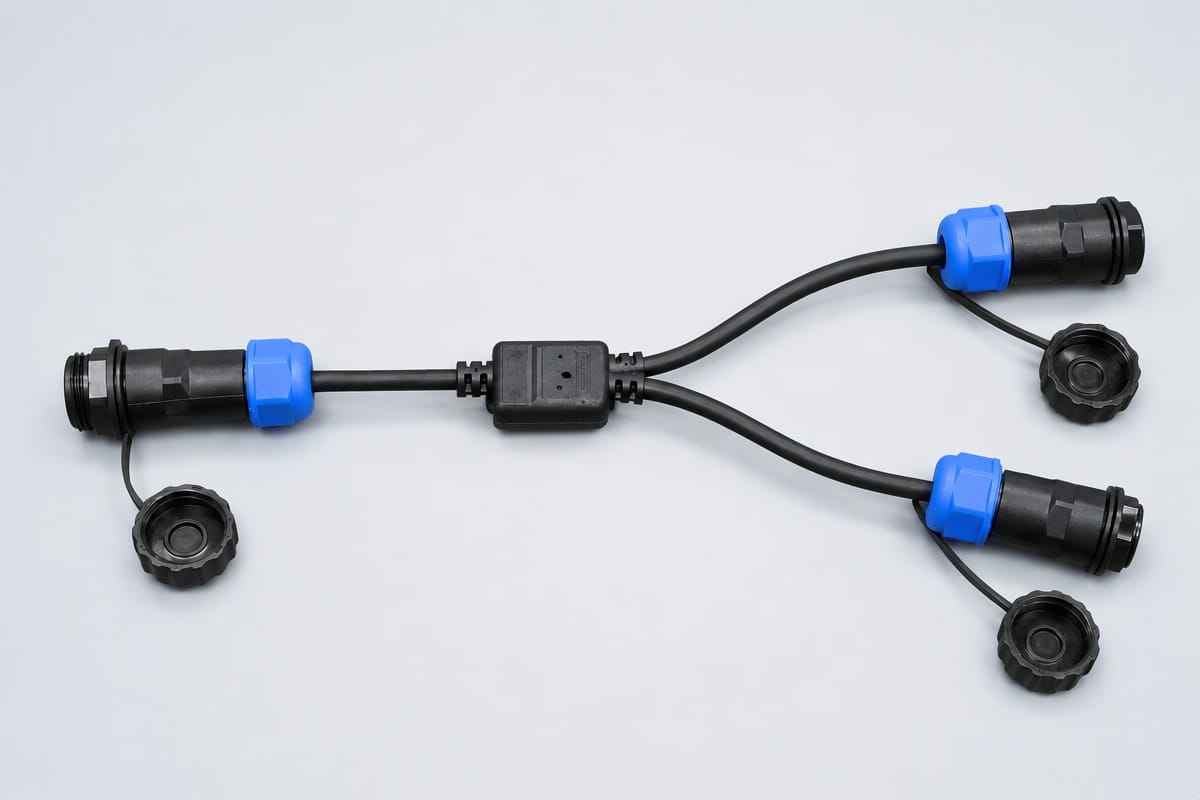
For internal equipment wiring with multiple wires, branches, endpoints, identification and a defined connection matrix.
Automation Examples
Control cabinet wiring · Multi-sensor branches · Modular machine wiring · Internal equipment harnesses
Information to Confirm for an Automation Cable Project
PLC, sensor, actuator, drive, I/O, HMI or switch
Control, signal, feedback, power or communication
Voltage, current, conductor size and core or pair count
CAN, CC-Link, DeviceNet, PROFIBUS, RS485, PROFINET or EtherCAT
Fixed, occasional flex, drag chain, travel and bend radius
Temperature, oil, coolant, moisture, abrasion and jacket requirement
Connector, terminal, pinout, branch layout and finished length
Specified brand, UL Style, H-code, markings and required product documents
Is a Cable Brand Specified in the BOM?
When a drawing or BOM specifies a cable manufacturer or product family, review the available brand category before confirming the exact product and documentation. Brand names are used solely to identify customer-specified cables.
FAQ
Q: How do control cables differ from signal cables in automation equipment?
A: Control cables carry control and auxiliary circuit functions, while signal cables support low-voltage measurement, feedback or data connections where pairing, shielding and interference control may be more critical.
Q: When should a shielded cable be considered?
A: Evaluate a shielded cable when signal integrity, electromagnetic interference or grounding requirements make interference control important. Select the shielding construction together with the circuit and installation method.
Q: Can a fixed-installation cable be used in a drag chain?
A: For repeated drag-chain movement, confirm that the cable construction suits the movement pattern, bend radius, travel and acceleration. Check the specified motion rating before using a fixed-installation cable in a moving carrier.
Q: What is the difference between fieldbus and industrial Ethernet cables?
A: Fieldbus cables support protocol-specific field-level communication, while industrial Ethernet cables support Ethernet-based industrial networks. Select the cable according to the required protocol, electrical characteristics, shielding and installation conditions.
Q: Should the project use a cable assembly or a wire harness?
A: Use a cable assembly for one defined point-to-point connection. Use a wire harness when the equipment requires multiple wires, branches, endpoints and a defined connection matrix.
Review Your Automation Cable Requirement
Provide the drawing or BOM together with the connected devices, electrical function, communication protocol, movement, environment and required finished connection. KABASI will review the suitable cable category and delivery route.
Send Your Drawing or BOM Browse Industrial Cables